Inline Transformer
The Inline Transformer task performs in-memory transformation using one of the built-in operations.
Operations
The Inline Transformer supports the following operations.
| Function | Description |
|---|---|
| JSON Merge | Returns new JSON object by merging the top-level properties from Right Operand (object) into Left Operand (Object). Properties in Right operand will overwrite any existing values in Left Operand |
| JSON Format | Returns new JSON object using Templated Input |
| Array Append | Adds Right Operand (object) as new item to Left Operand (array) and returns as new JSON array |
| Array Merge | Adds items in Right Operand (array) as new items in Left Operand (array) and returns as new JSON array |
| Compress | Compresses content stored in Operand (object / text) using gzip algorithm and returns a Base64 encoded string |
| Uncompress | Expects a Base64-encoded string in Operand (text) and expands it using gzip algorithm. Returns the uncompressed result (Object / text) |
| Parse CSV | Convert CSV content (variable or template) into JSON. |
Configuration
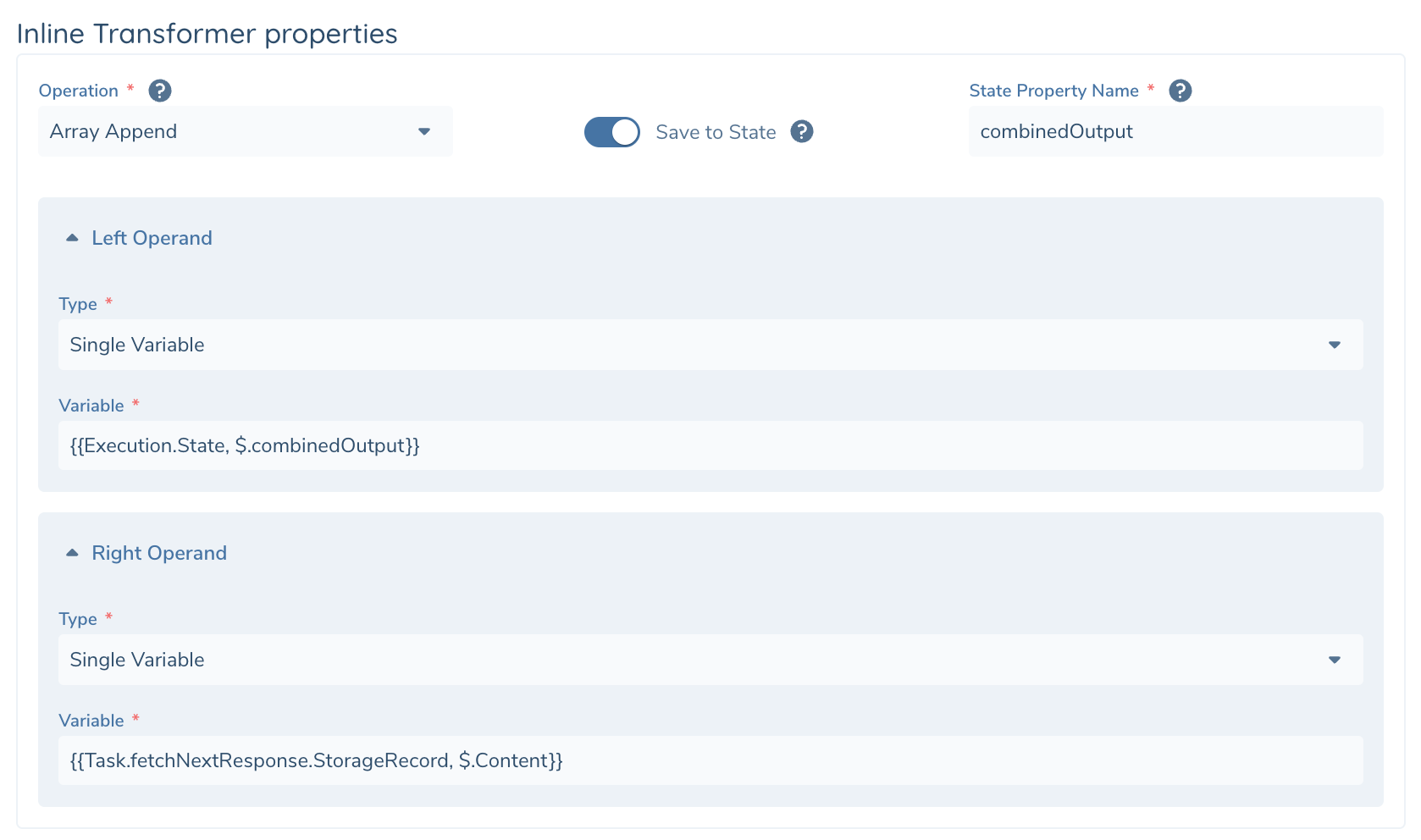
| Configuration | Description |
|---|---|
| Operation | Select Operation from list above |
| Save to State | Toggle. The result of transformation is returned as task output, but you can optionally save this to Execution State. That way you can run this in a loop and concatenate all the outputs together |
| State Property Name | Text. Property in Execution.State where the transformation output will be stored. |
| Operand(s) | Templated Input. See operation definitions for number of input operands to your function. |
Task Output
Inline Transformer produces the following Task Output that can be used as Variable Input in your subsequent tasks.
| Output Variables | DataType | Description |
|---|---|---|
| Output | Json | Operation output |