Transformer
The Transformer Task allows you to write custom transformation and other logic as Typescript code. See Writing Custom Code for more details.
Configuration
Transformer allows you to configure the Input to your custom code as a Templated Input field.
| Configuration | Description |
|---|---|
| Input (Tab) | Templated Input. This will define the object your code receives 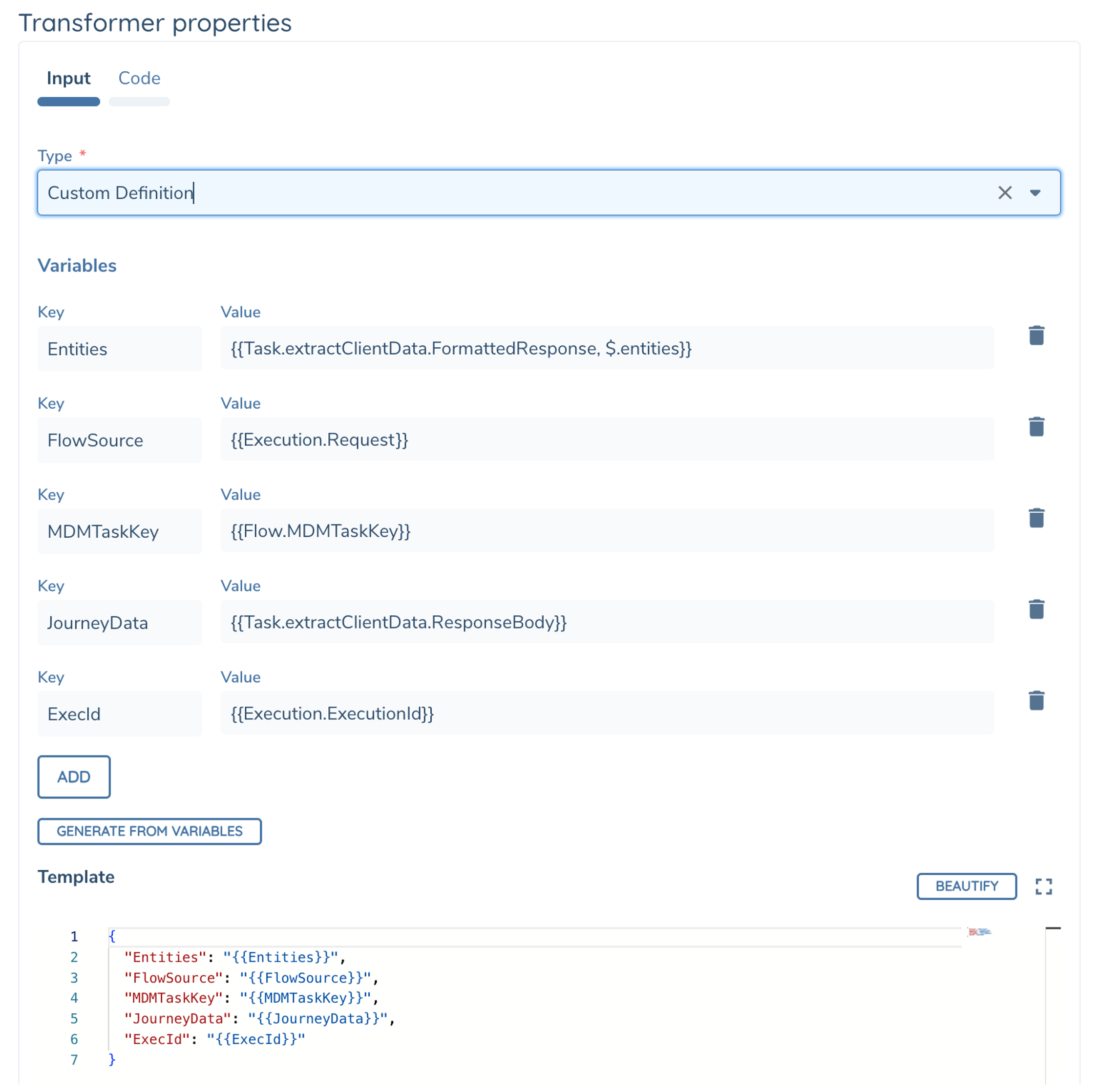 |
| Types (Tab) | Use schemas (Built-in Schemas or create your own) to define your Input and Output object types in Transformer Code, and include any additional schemas as needed (from available Schemas) to be used in the code 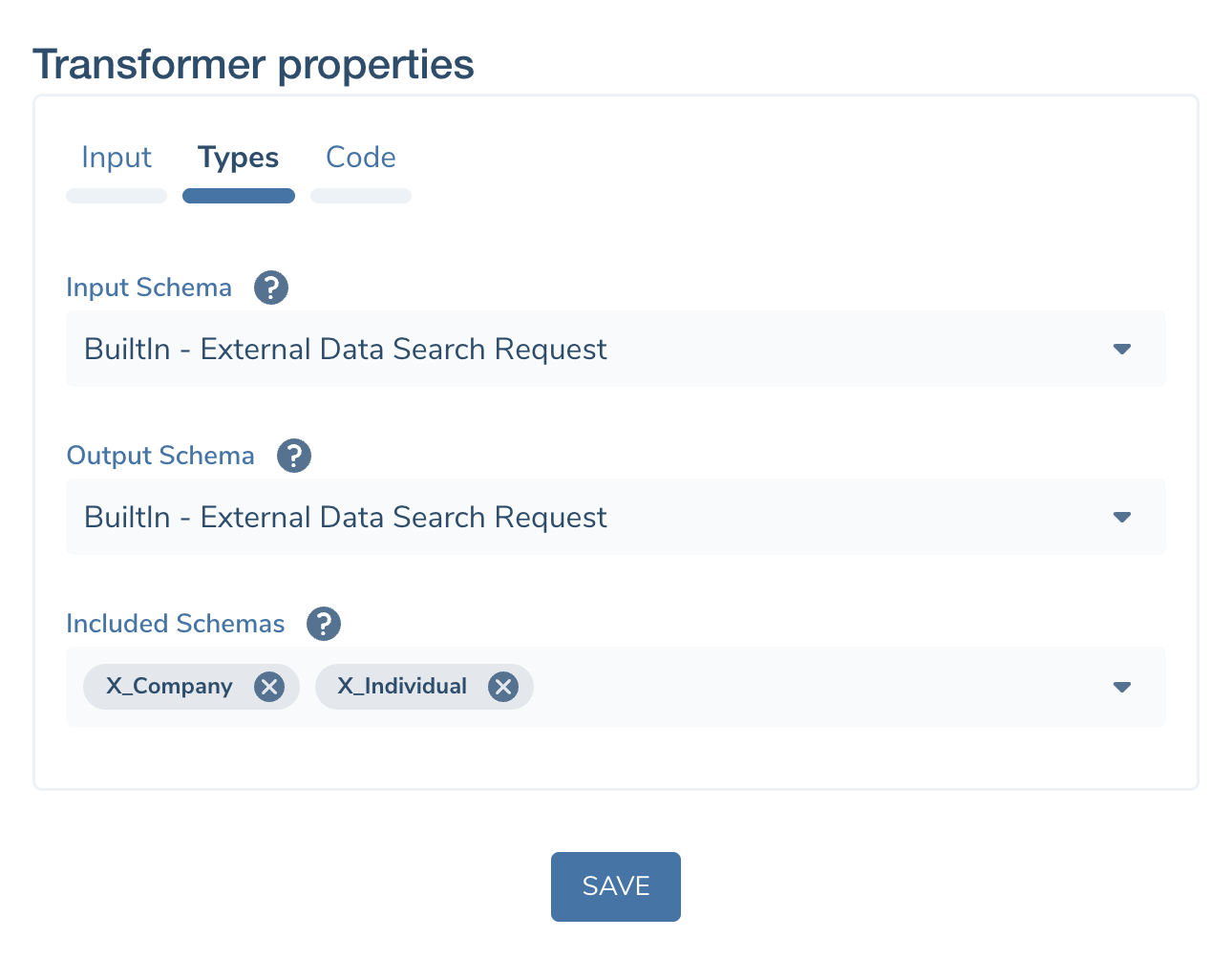 |
| Code (Tab) | Write your custom typescript code here. See Writing Code for more details. 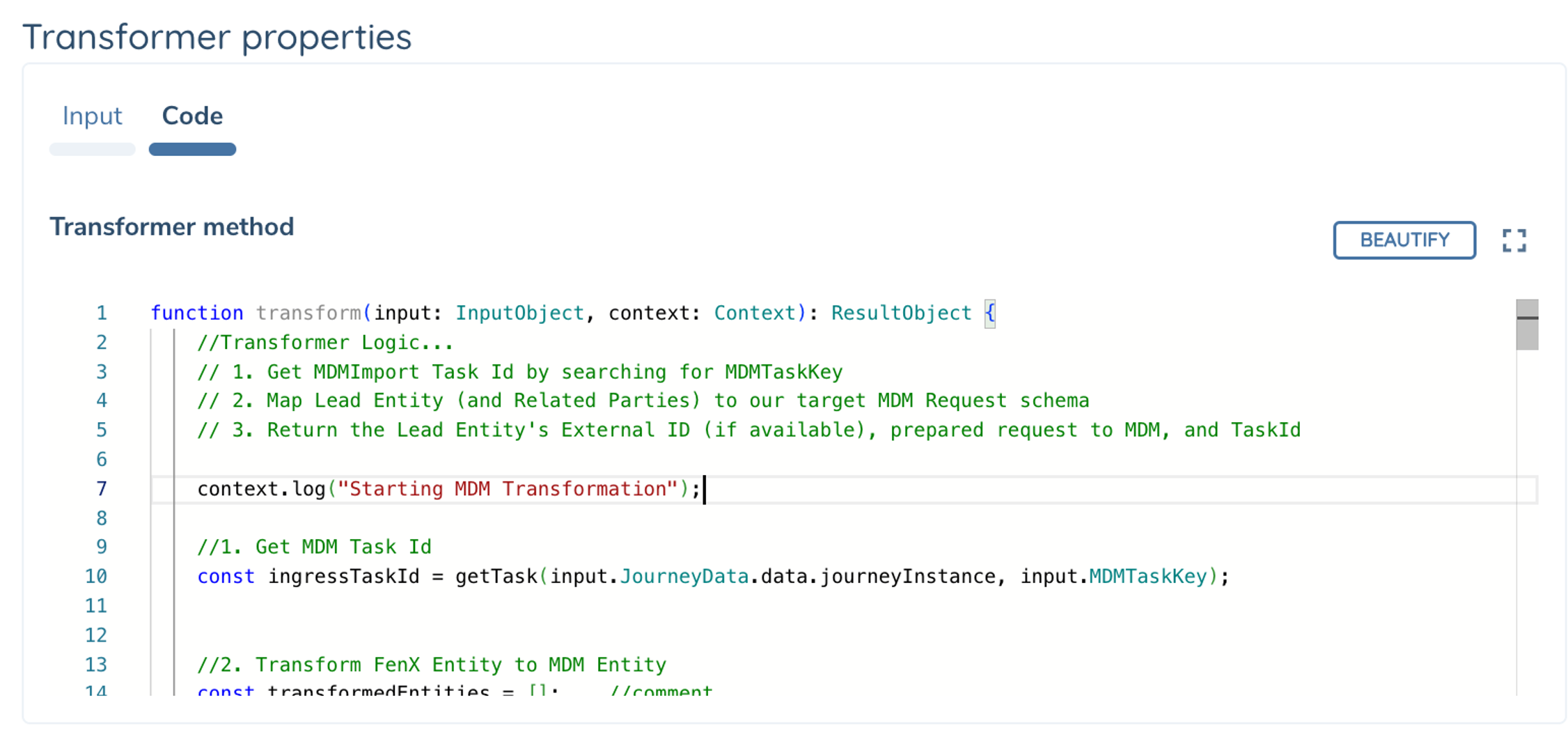 |
Task Output
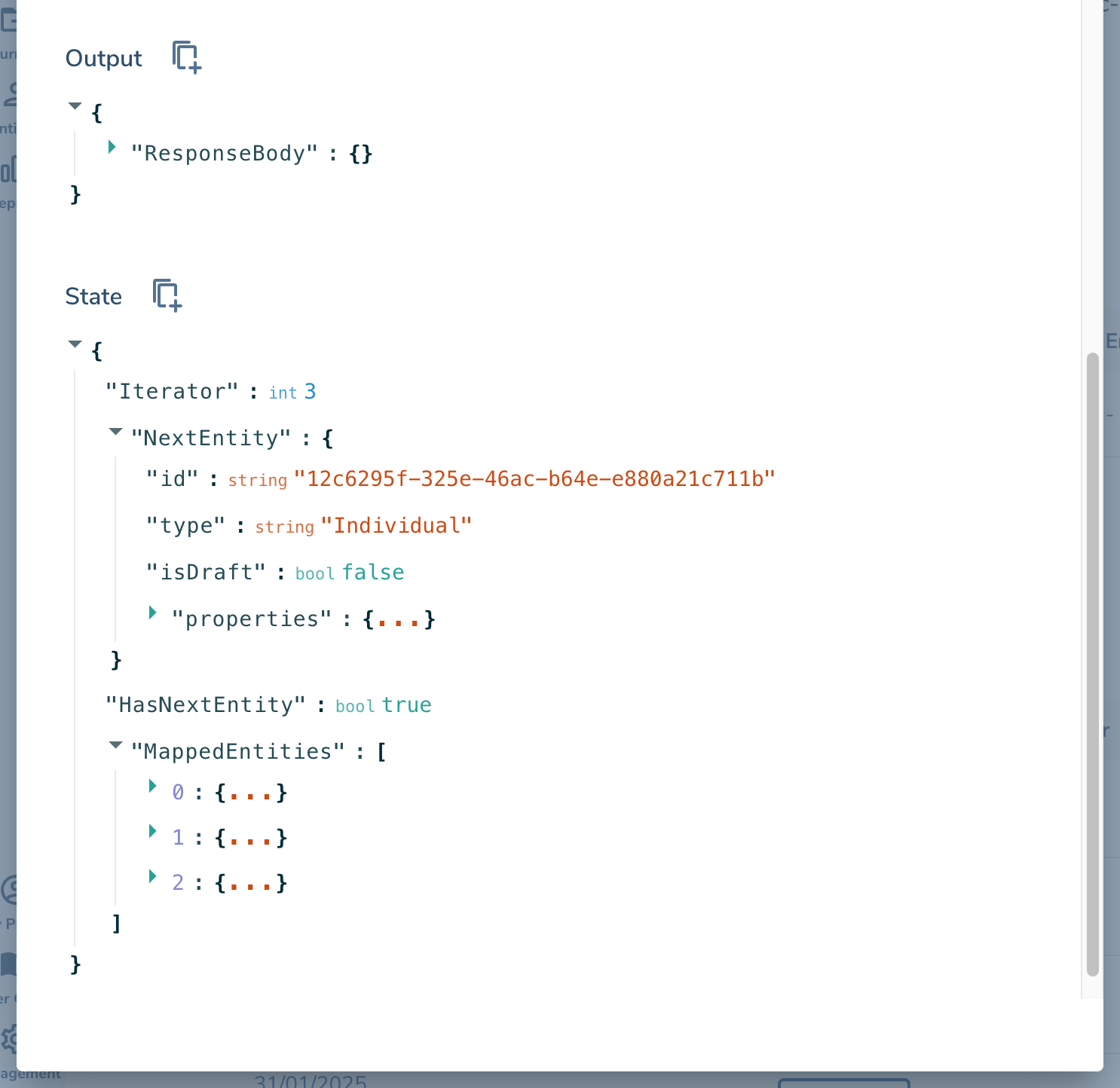
Transformer produces the following Task Output that can be used as Variable Input in your subsequent tasks.
| Output Variables | DataType | Description |
|---|---|---|
| ResponseBody | Json | Returned output from your custom code. This maps to the ResultObject.Output value you return from the Transform() method above |
| State | Json | State Data to be merged (top-level) back into Execution.State. Use this to store temporary data that can be editted in subsequent tasks, such as Loop Counters. |