Compare
What this covers
The Compare page lets you inspect the configuration of any two tenants side by side. Use it to see whether two tenants hold the same files, inspect the exact differences for a file, or share a link to a specific comparison.
Selecting tenants and opening diffs never changes anything. Compare is for inspection only — it doesn't deploy, merge or update configuration.
Selecting the two tenants
- Open Compare from the Monitoring section of the sidebar.
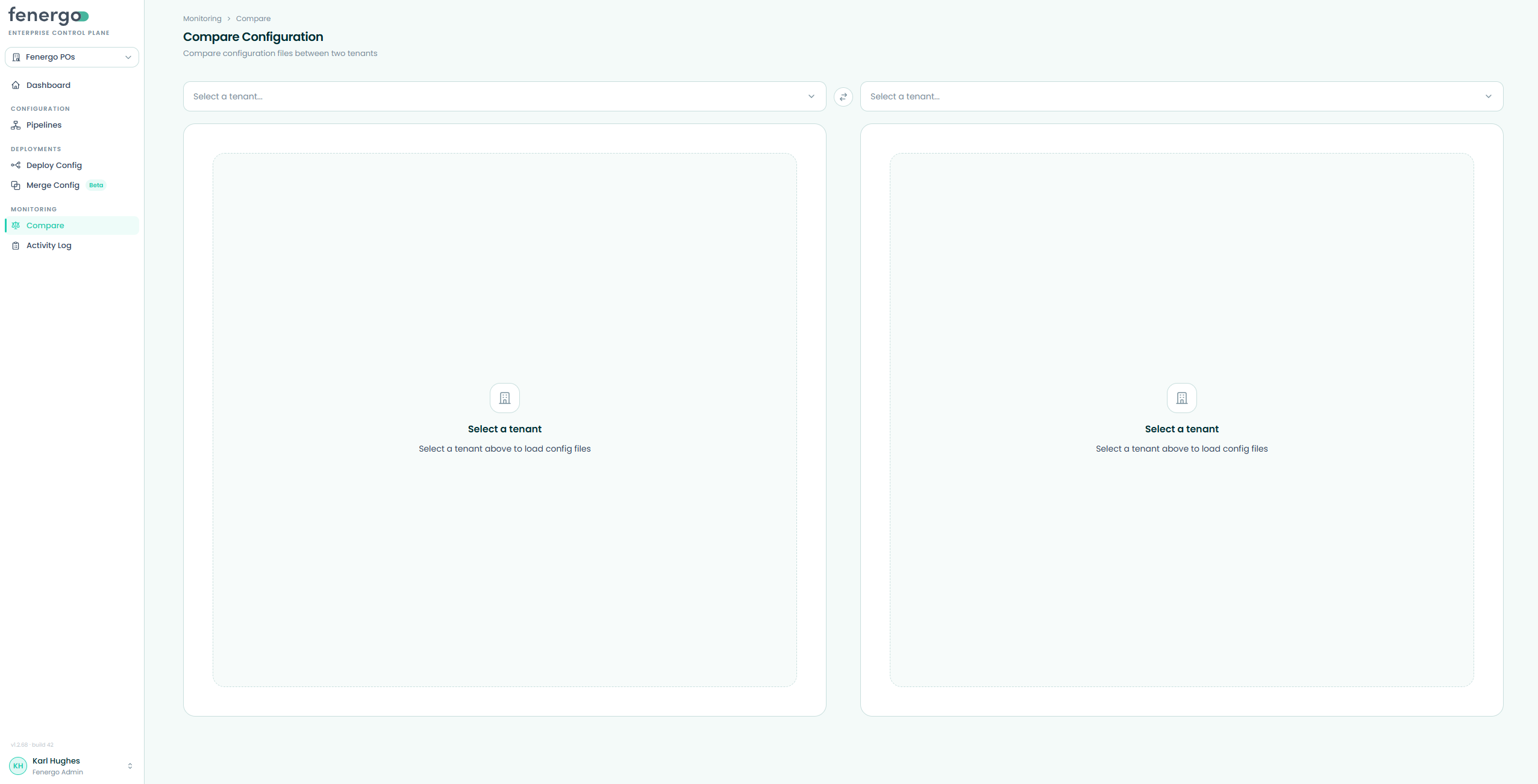
- Click the Tenant A selector, expand a deployment pipeline, and choose a tenant.
- Click the Tenant B selector and choose the tenant to compare against.
- Use the swap button between the selectors to reverse A and B. The same tenant can't be chosen on both sides.
Navigating domains
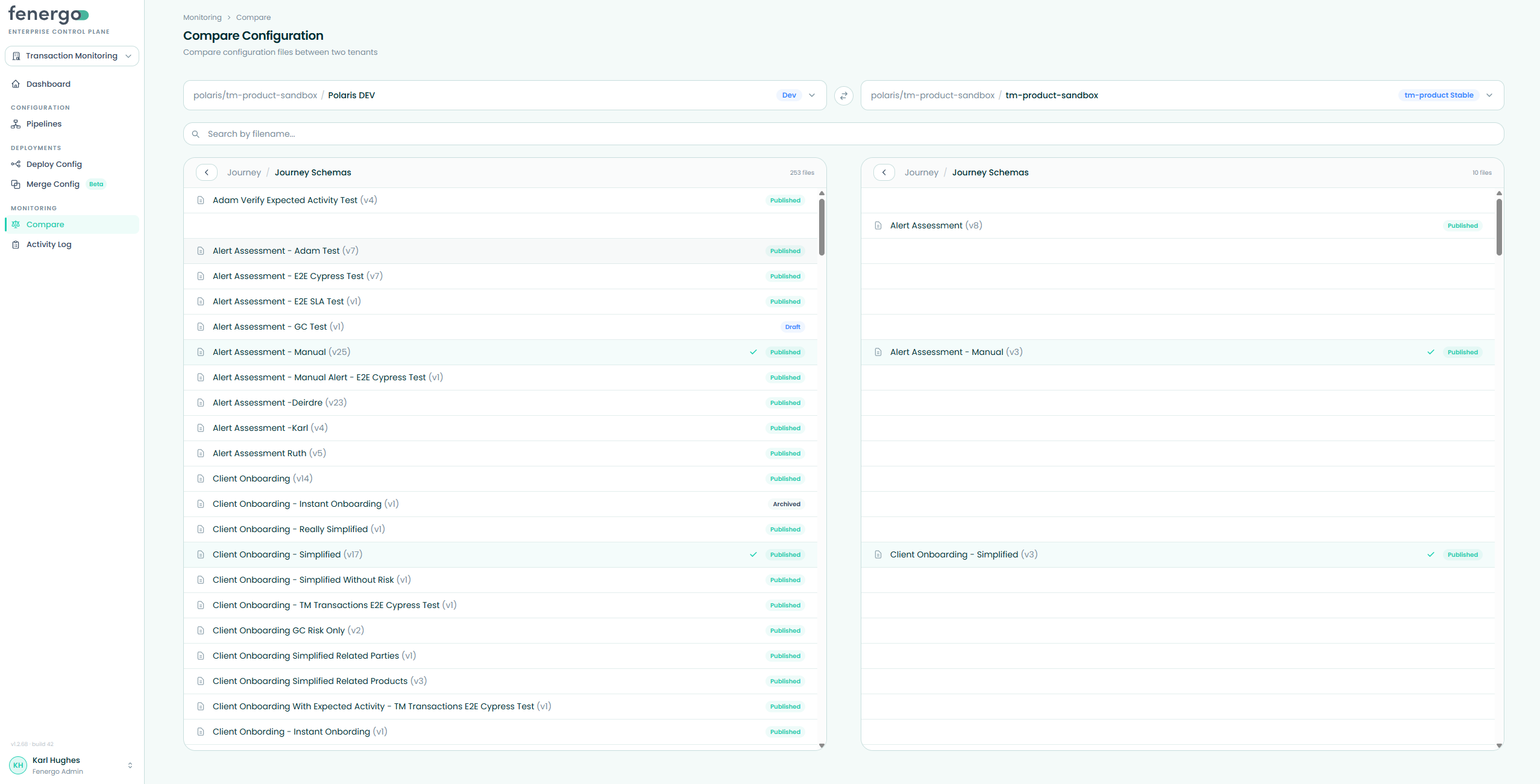
Each side shows the tenant's files grouped by parent domain and sub-domain. Select a parent domain, then the sub-domain that holds the files you need — ECP automatically syncs that sub-domain for both tenants when selected, so you're always comparing the latest configuration. Both panels stay aligned to the same area so you're always comparing like with like. Use the search bar to find a specific file by name across both selected tenants.
Opening a file diff
Click a file row to open the diff modal. If one tenant has a file the other doesn't, the diff still opens and compares against an empty counterpart so the missing content is visible.
Use the view toggle to choose how differences are presented:
- Field View — presents each changed path as a labelled row, making it easier to scan individual field differences without reading raw JSON.
- JSON View — shows the full raw JSON with syntax highlighting, with a difference counter and up/down arrows to jump between changes, plus a colour-coded scrollbar strip showing where the differences fall in the file. In JSON View, use the layout toggle to switch between:
- Side by side — the two files in separate columns.
- Unified — additions and removals in one combined stream.
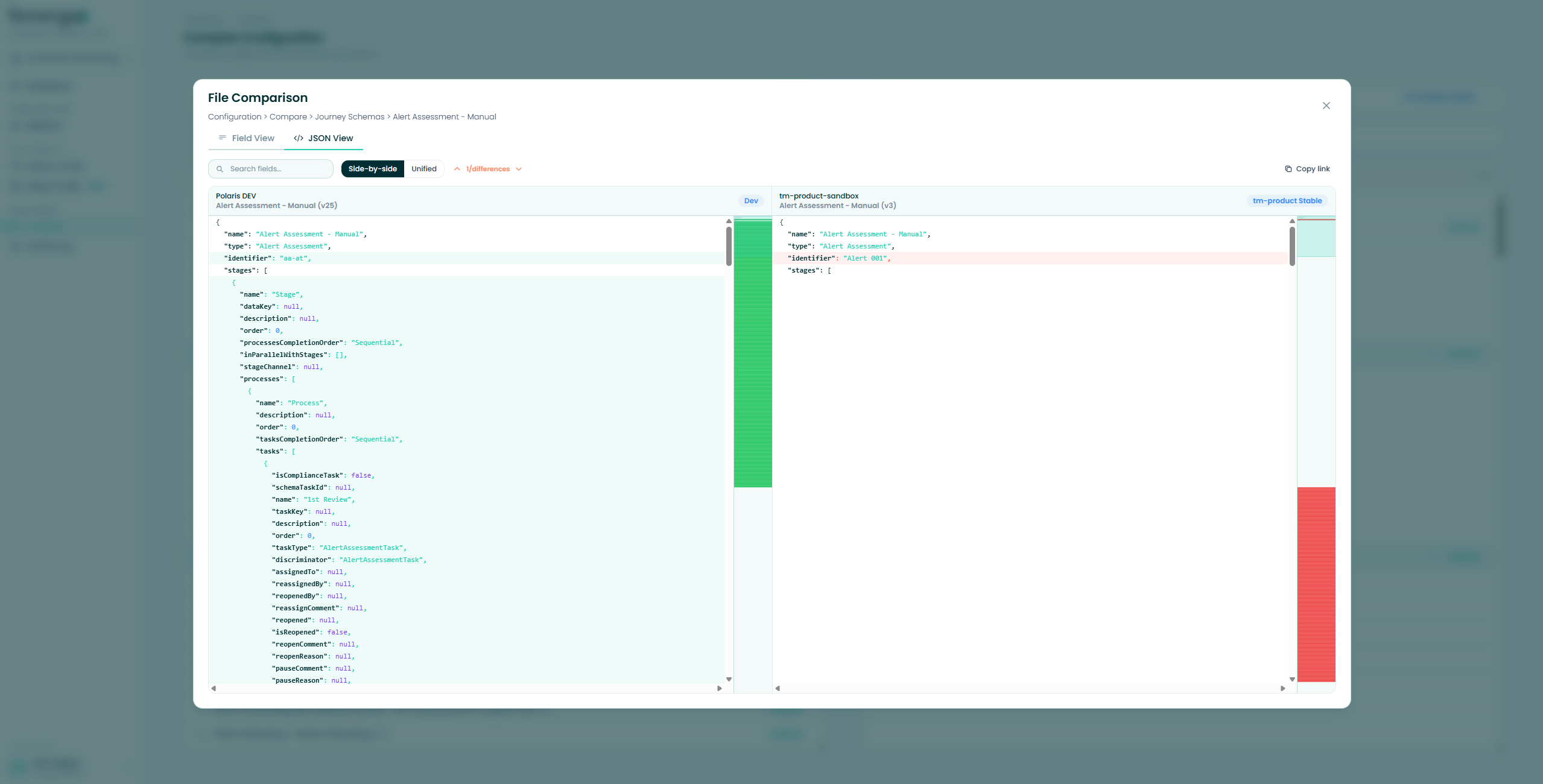
Use Copy link to copy a shareable URL for the current tenants and file.