Version Notes
Versioned configurations (such as Policies, Data Groups, Lookup Lists, Journey Schemas etc) can include a description within in each draft version to help configurators capture information about the draft for interested parties. The field is free-text, so the structure and content is flexible for the configurators of each tenant to determine.
Use this field to trace the draft version to a sprint, to requirements or simply provide a high-level description of the changes it will introduce. It can also be used to facilitate intra-team communication with temporary messaging, such as "Do not Publish - check with Jennifer!"
Populating a Version Note
The Version Notes field will be editable while the version is in a "Draft" state. Its contents will be stored when the draft is saved. ‘Version Notes’ can be managed by any user with "Edit" entitlements for that domain.
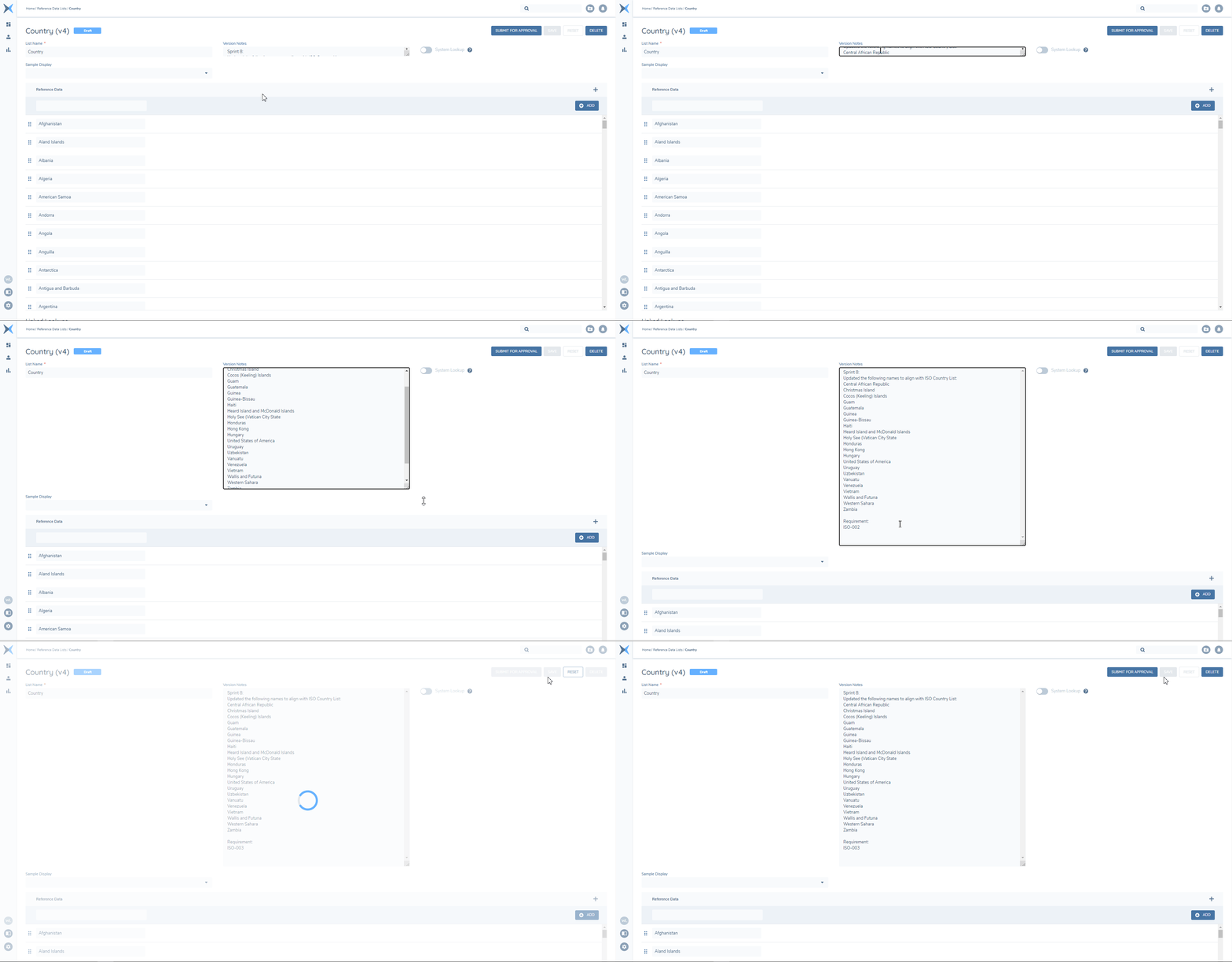
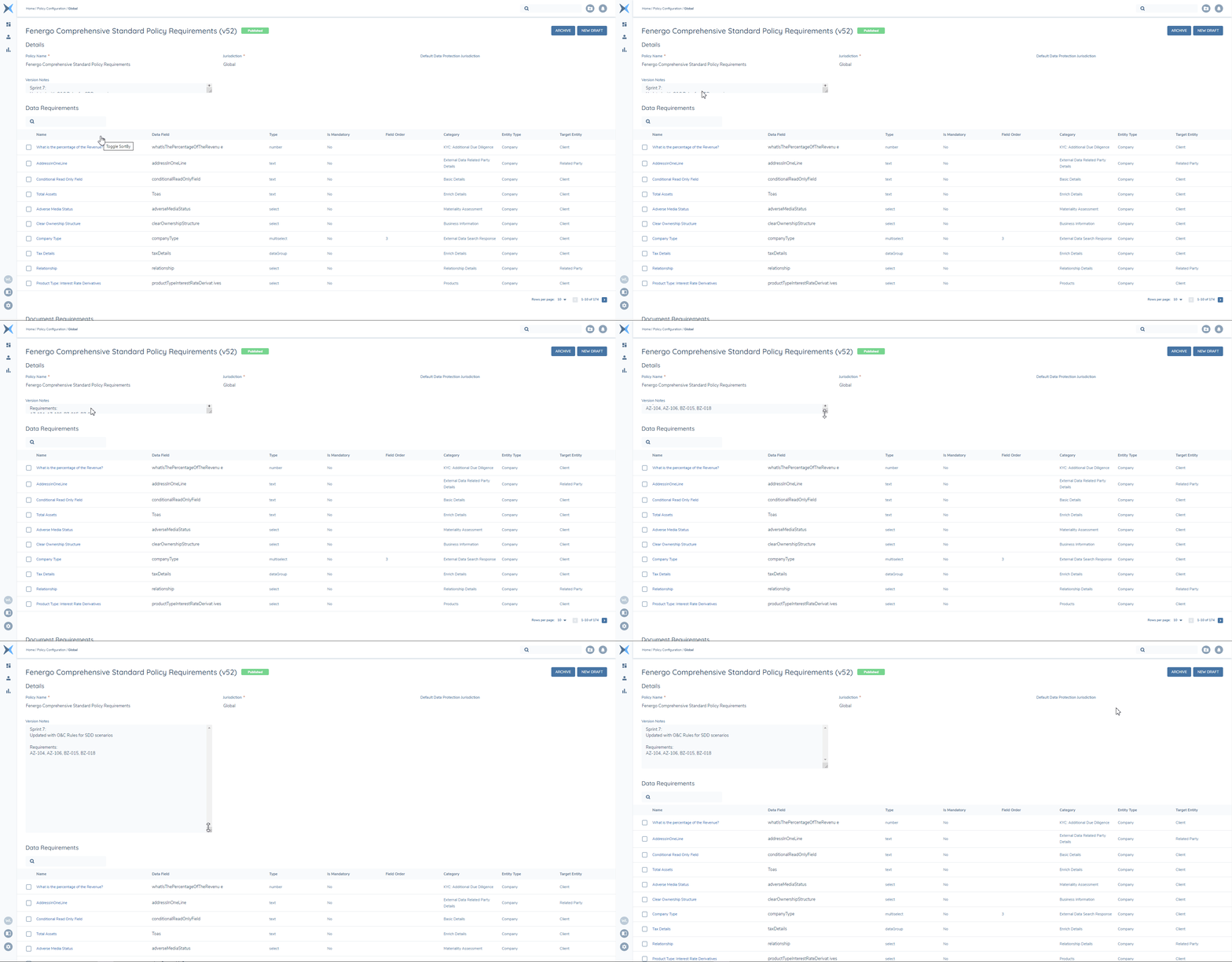
While Version Notes are a useful tool, they represent ancillary detail for the draft, therefore we want to minimise the space they occupy in any given screen. The field is collapsed to a single row by default and is scrollable when where there are multiple rows in the field. The field can also be expanded at any time by dragging the bottom right corner to the preferred size. Re-sizing does not persist.
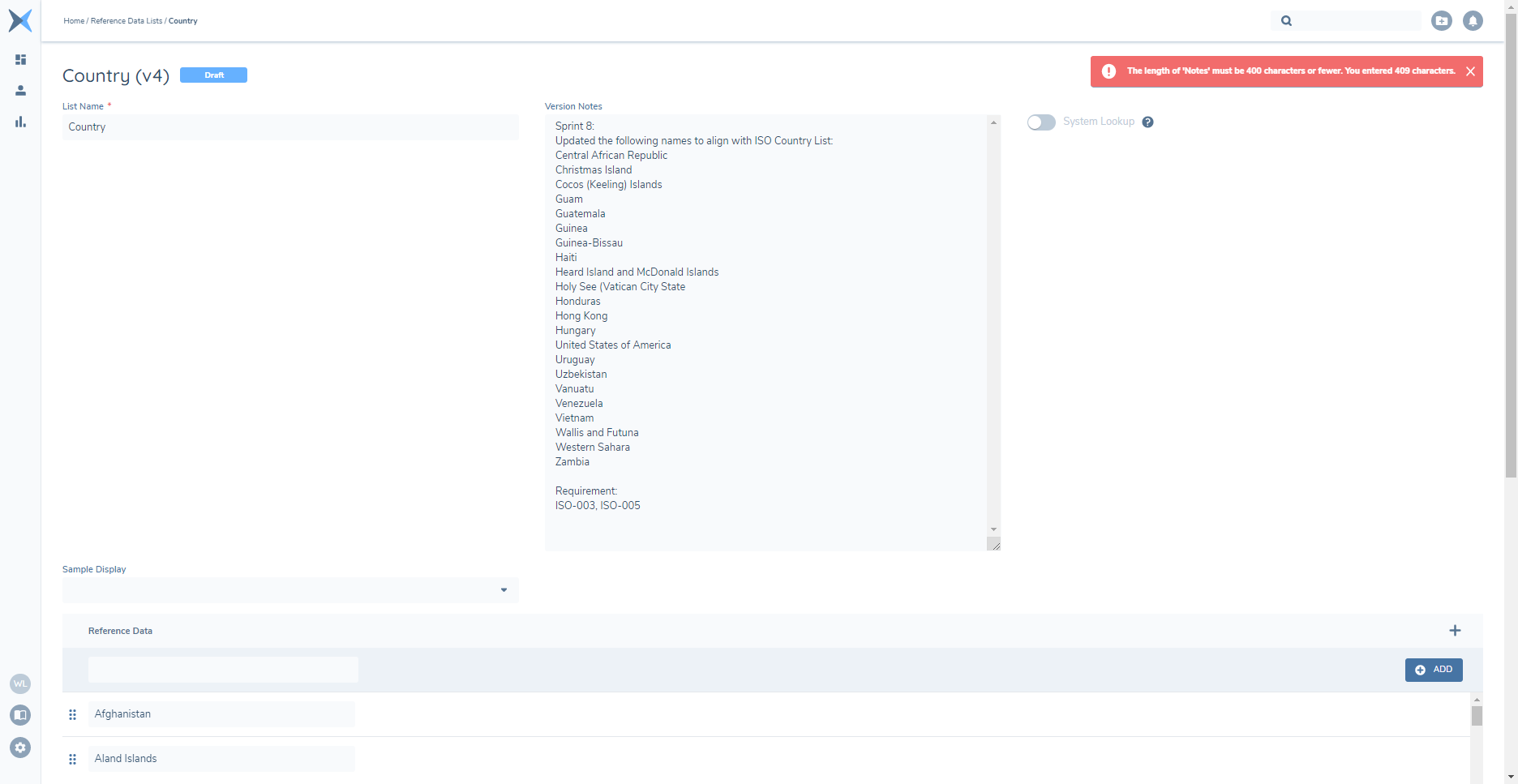
The field allows up to 2,000 characters (except with Lookup Lists and Lookup Links, which are limited to 400 characters). If the limit is exceeded a toast notification will inform users of the field limit and the current field length when they click ‘Save’. Reduce the contents to fit the field size limit to save successfully.
Once the version is submitted for Approval, Version Notes will no longer be editable.
Delete Version Notes
Any user that can edit a Version Note can also delete the text from the field while the version is in ‘Draft’ status.
Viewing a Version Note
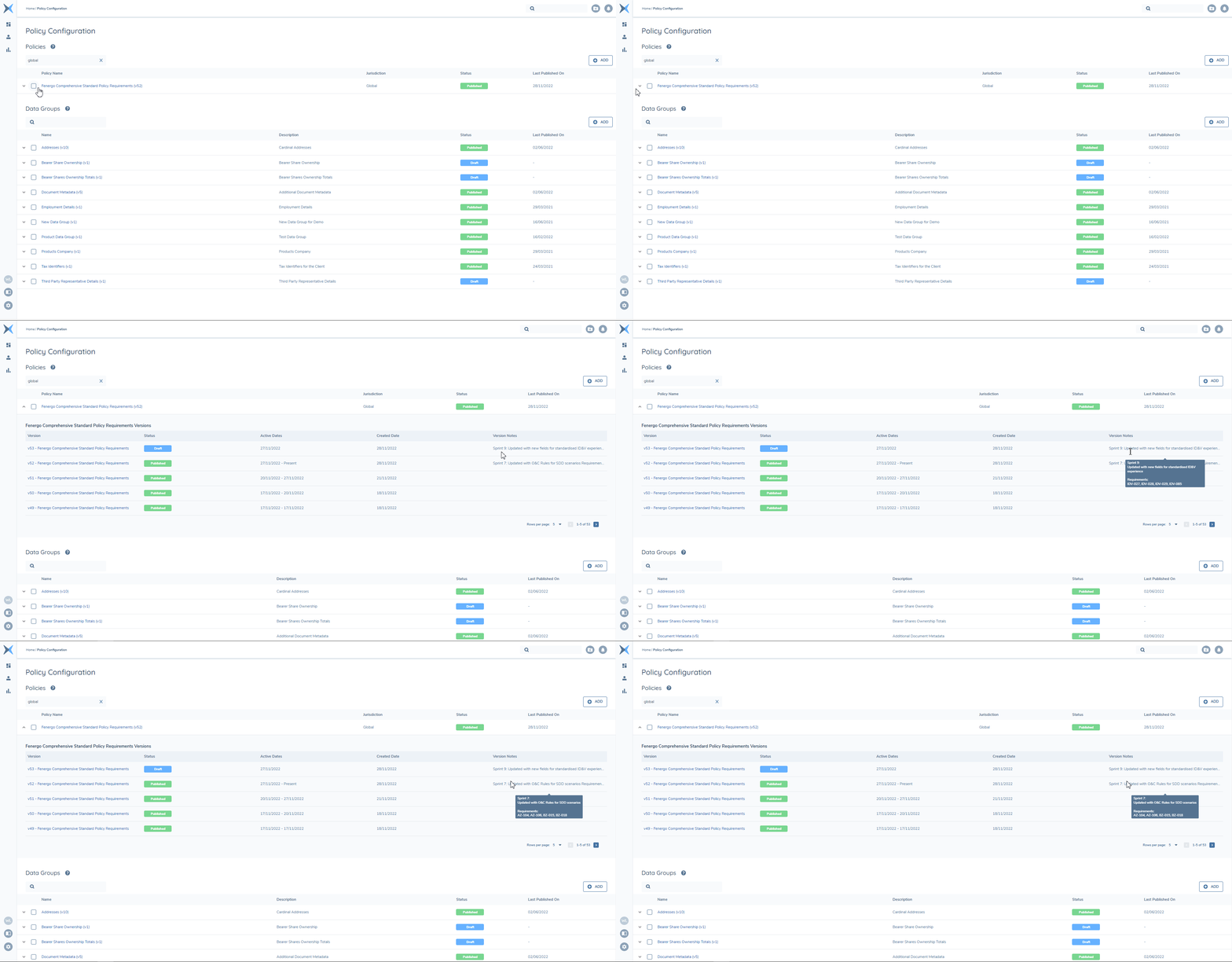
Version Notes are visible to all users with the ability to view a version that contains them. They are displayed in the Versions List and within the Versions themselves. While viewing the Versions List, Version Notes values will be collapsed but full text will be displayed in a tool-tip when the cursor moves over them. Within the version, the field is scrollable and can be expanded by dragging from the bottom right corner.
Version Notes and Config Exchange
Version Notes will not be imported across tenants. Version Notes are relative to the tenant where configuration changes were made – i.e. they have a fixed context between the current and previous version. When a given version is selected to import, it is isolate from other source versions, so the context in the target tenant may not be the same and the version note will not add value.
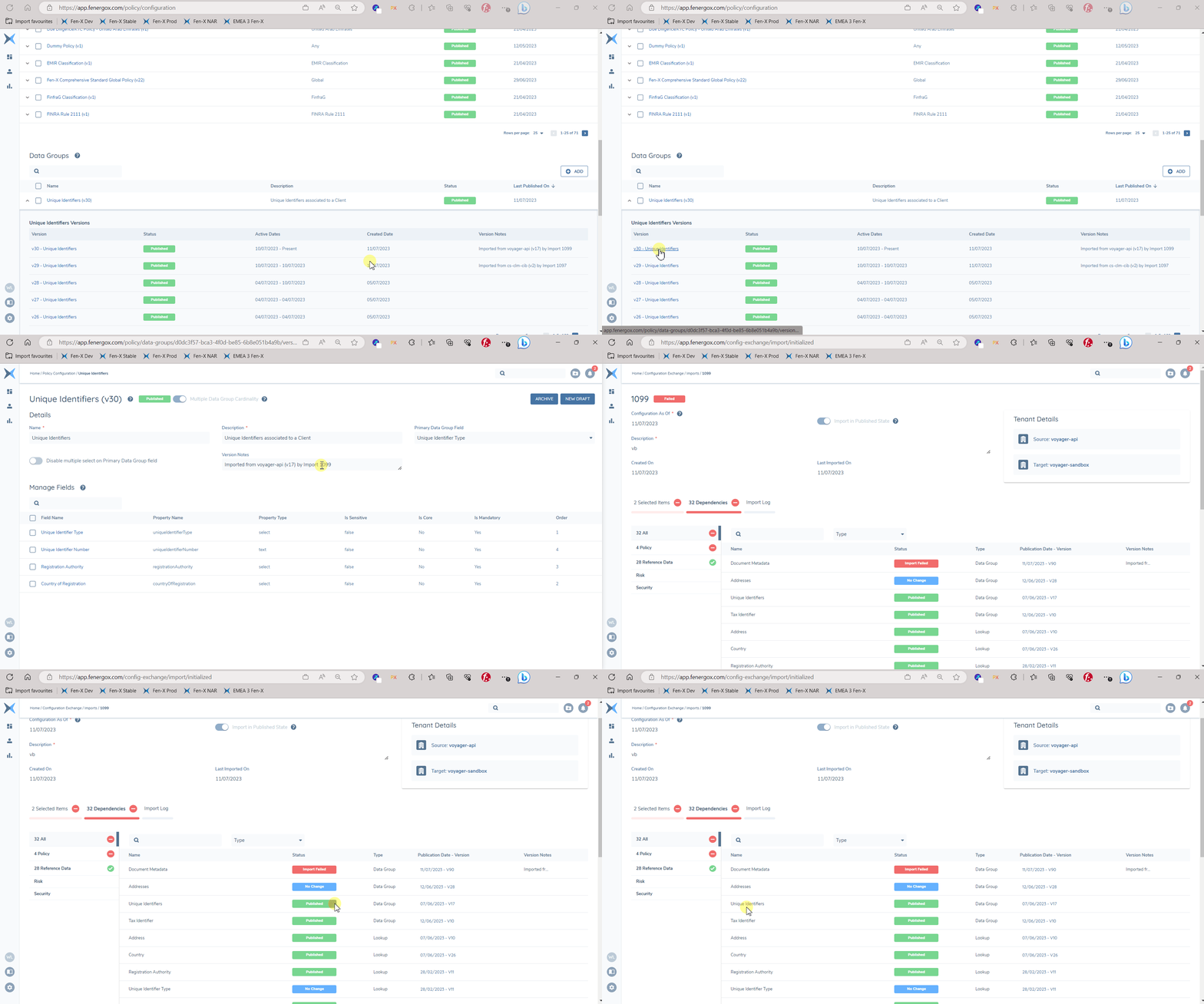
Versions that are imported via Configuration Exchange will have a Version Note value autopopulated to capture the Source Tenant, Source Version and Import Record Name value for future reference. This should build transparency and traceability for imported configuration.